
How DartFusion works
Three cameras, a PC, a TV and an iPad turn a steel-tip dartboard into a game that scores, talks and puts on a show. Here’s what each part does.
Three cameras, one dart
The cameras sit round the board at about 10, 12 and 2 o’clock and look across its face.
Each camera sees a dart from its own side. Put the three views together and DartFusion knows which bed the dart is in, whether that’s a treble 20, the outer bull or a dart that missed the board altogether.
The board is calibrated when it’s set up, by pushing a dart into a few marked spots, so the cameras know exactly where the board is. A ring light round the board keeps the light even, so the cameras see the same picture all night.
Try it on the board here: tap anywhere and the lines show how the three cameras meet at your dart.
180! Pull your darts. Then tap the board to throw.
What’s in a DartFusion setup
One board, one PC, one TV and one iPad make a complete setup. Add more boards and they can play each other.
Three USB cameras
Round the board at about 10, 12 and 2 o’clock, looking across its face to read every dart.
The PC
Runs the games, the cameras and the sound. Play carries on without the internet.
The TV
The game screen: themed and animated, with the scores, the caller and the How to play videos.
The iPad base station
On its side by the board: players, events, games and settings.
Extra screens
Any smart TV or laptop on the Wi-Fi can show the game too, so a whole room can follow it.
A real board and real darts
A steel-tip dartboard and steel-tip darts, with a ring light round the board to keep the light even for the cameras.
A turn, step by step
The same rhythm in every game, so players pick it up in one go.
Throw your darts
Three darts a turn, at a real steel-tip board.
The cameras read them
Each dart is read where it lands, scored on the TV and called out by the caller.
Pull your darts
After the third dart, the TV tells you to pull them.
Next player is up
With automatic turns on, the next player starts by themselves as soon as the board is clear.
A dart that misses the board counts as a miss. A dart that falls out is a bounce-out. If a dart needs taking back, it can be reversed from the iPad.
On the big screen
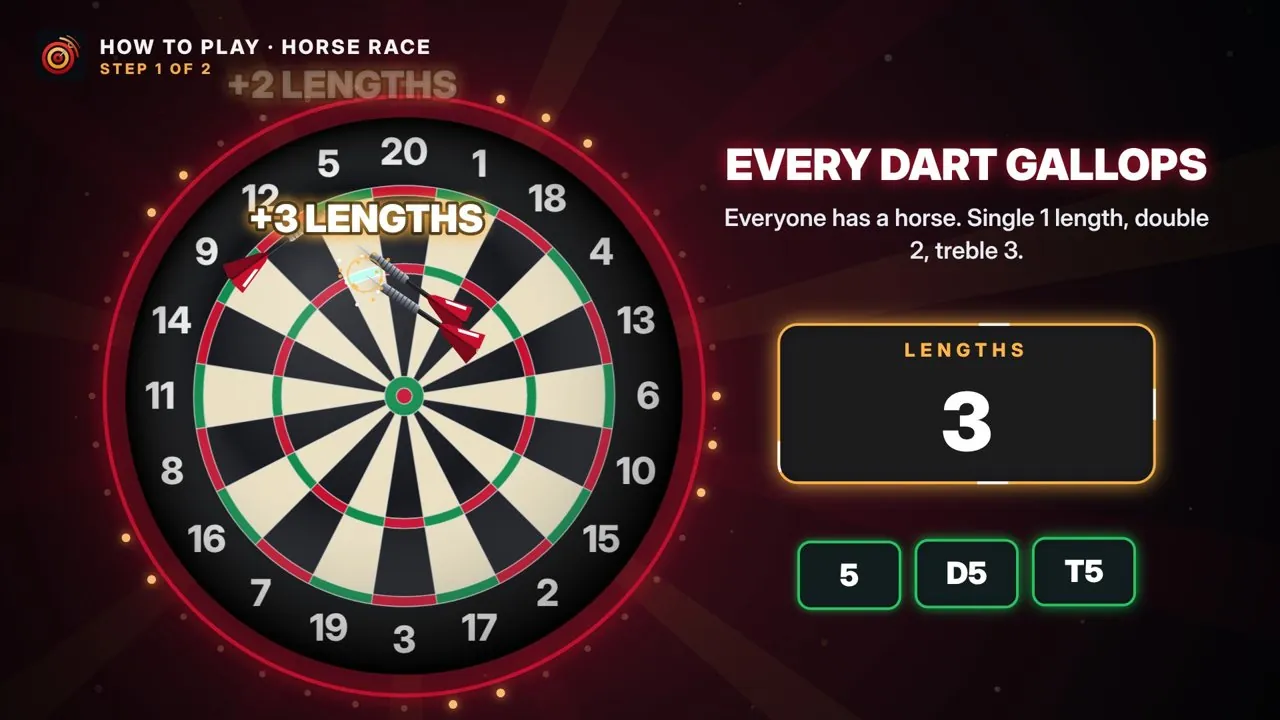
Every game plays in a world of its own: a championship stage for 501, a floodlit stadium for Cricket, a castle at midnight for Killer, a racecourse for Horse Race.
Before each game, an animated How to play video, voiced by a game-show host, explains the rules. Players who know the game press START to skip it. During play the caller calls the darts and the scores, and when someone wins, the winner gets a trophy, the final scores and fireworks.
Moments that get the full treatment
- 180
- High ton
- Low ton
- Three in a bed
- Hat-trick
- Bust
- Game shot
- The winner
At the iPad
The iPad lies on its side by the board as the base station. It’s where a game begins.
- Add players: everyone picks an emoji character, takes a selfie or uses an icon.
- Pick a game and its options, then press start.
- Open your event, so scores land on the right leaderboard.
- Operators get the settings behind a PIN.
Players can also scan a QR code on the TV and type their names on their own phones, when the venue switches that on.
Up to 8 players a board
Most games take 1 to 8 players. Killer and Team Count Up need at least 2, and Tic-Tac-Toe is for two players or two teams. Every game shows how many can play in the corner of its tile.
For operators
The tools behind the games, for venues, event companies and sponsors.
- Events
- Each event has its own name on the big screen and its own history, and can be password-protected. The iPad always reopens the last event.
- Your own look
- Logo, colours, background, an animated home screen and a video playing behind every game, set for each event.
- Leaderboards and competitions
- Everyone plays the same game and every score goes on the event leaderboard, on the TV and online.
- National competition
- Venues across the country enter the same competition, with official standings kept online.
- Venues playing each other
- Link two to eight boards for live challenges between venues, or nations. Every big screen shows the table, then the winner.
- Sponsors and pop-up adverts
- Brand games for clients and sponsors, and show pop-up adverts during games.
- Instant replays
- Plug a webcam into the board PC and every 180 and every winning moment plays back on the TV in slow motion. Only the last few replays are kept, on the PC itself.
- Leaderboard screen
- Any TV or laptop on the board’s Wi-Fi can show the event’s high scores live, and results download as a spreadsheet.
- Online control desk
- Your boards, events and branding in one place, from any browser.
- Remote support
- Switch on remote access and JM can check and fix a board over the internet.
- Works offline
- The games carry on without the internet. Events and results sync when the board is back online, and updates install themselves.
Setting up the space
DartFusion uses a standard steel-tip setup, so it plays like any match board.
- The centre of the bull is 1.73 m (5 ft 8 in) from the floor.
- The throw line is 2.37 m (7 ft 9¼ in) from the face of the board.
- Keep the light on the board even: the ring light does most of the work.
| Floor space for one board | TBC |
|---|---|
| Power | TBC |
| Internet | Optional for play; needed for online features, updates and remote support |
| Set-up time | TBC |